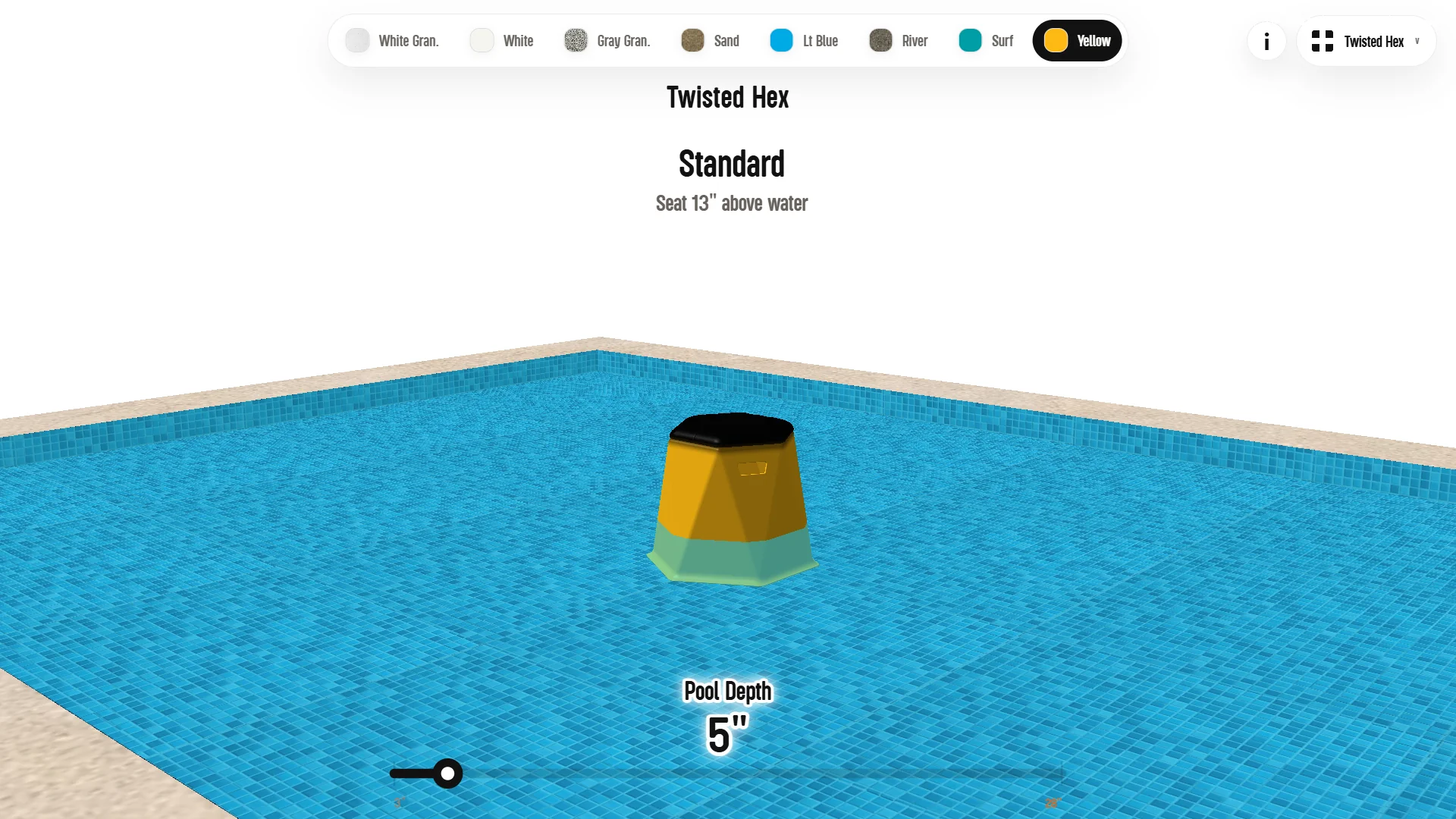
Tenjam Product Configurator
3D Configurator - 2026
After Laylo and Shayz, Tenjam commissioned the largest build of the series: a single configurator carrying 18 of their products. The work is in progress while Tenjam prepares the new furniture models.
The structure loads products on demand, keeping the page responsive on mobile despite the size of the catalog.
Role: Experience Design, 3D Product Interface, Front-End Development
Stack: Vite, TypeScript, Three.js, WebGPU, WebGL Fallback, Blender Scripting, Product Catalog Logic
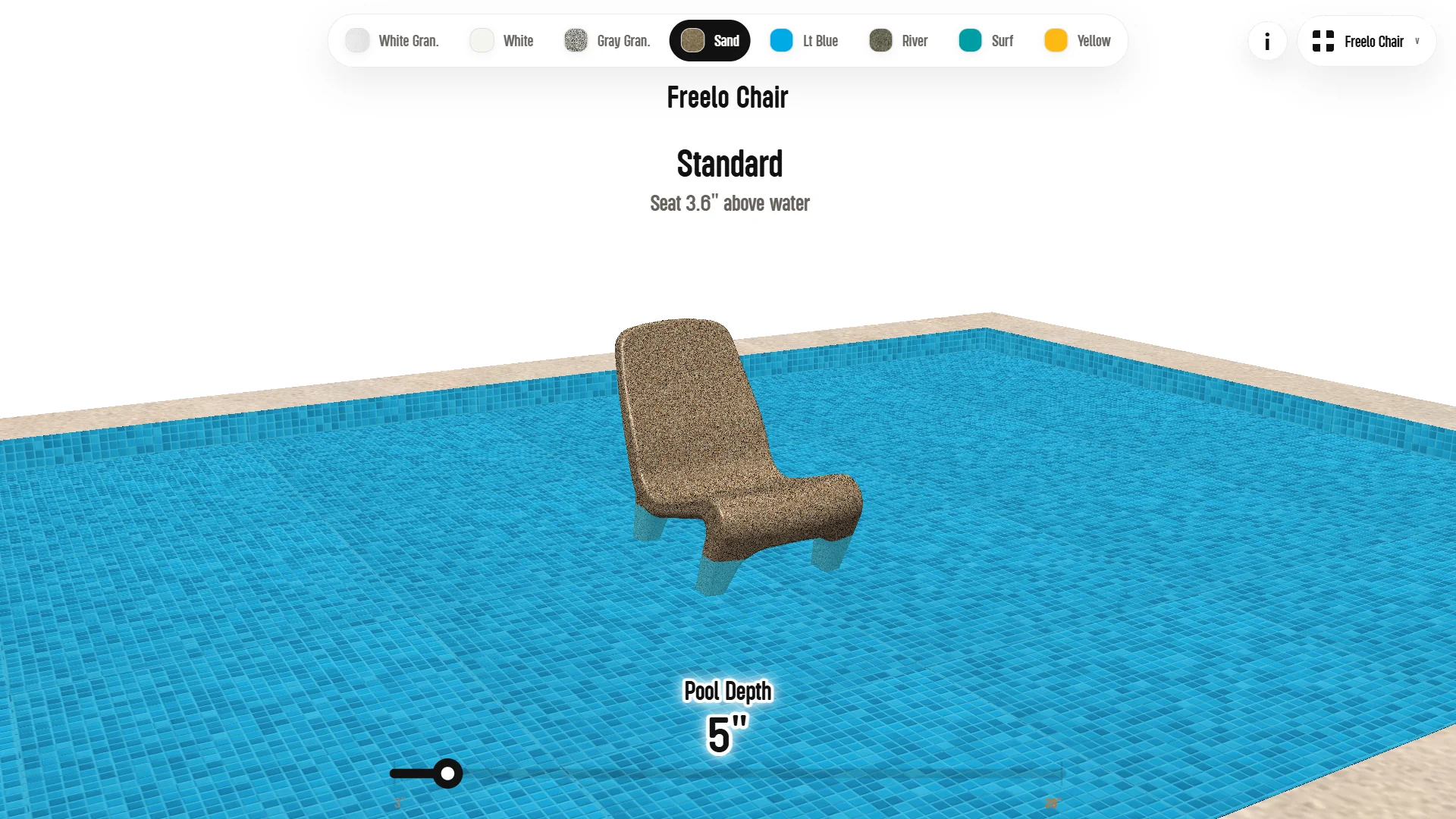
One configurator, 18 products.
Every product is described as data: model paths, thumbnails, finish information, depth rules. The scene reads the catalog instead of hardcoding it, so a new product is an entry, not an interface change.
Models load when a product is opened, never all at once. At this catalog size, that decision is what keeps the initial load small and the page usable on a phone.
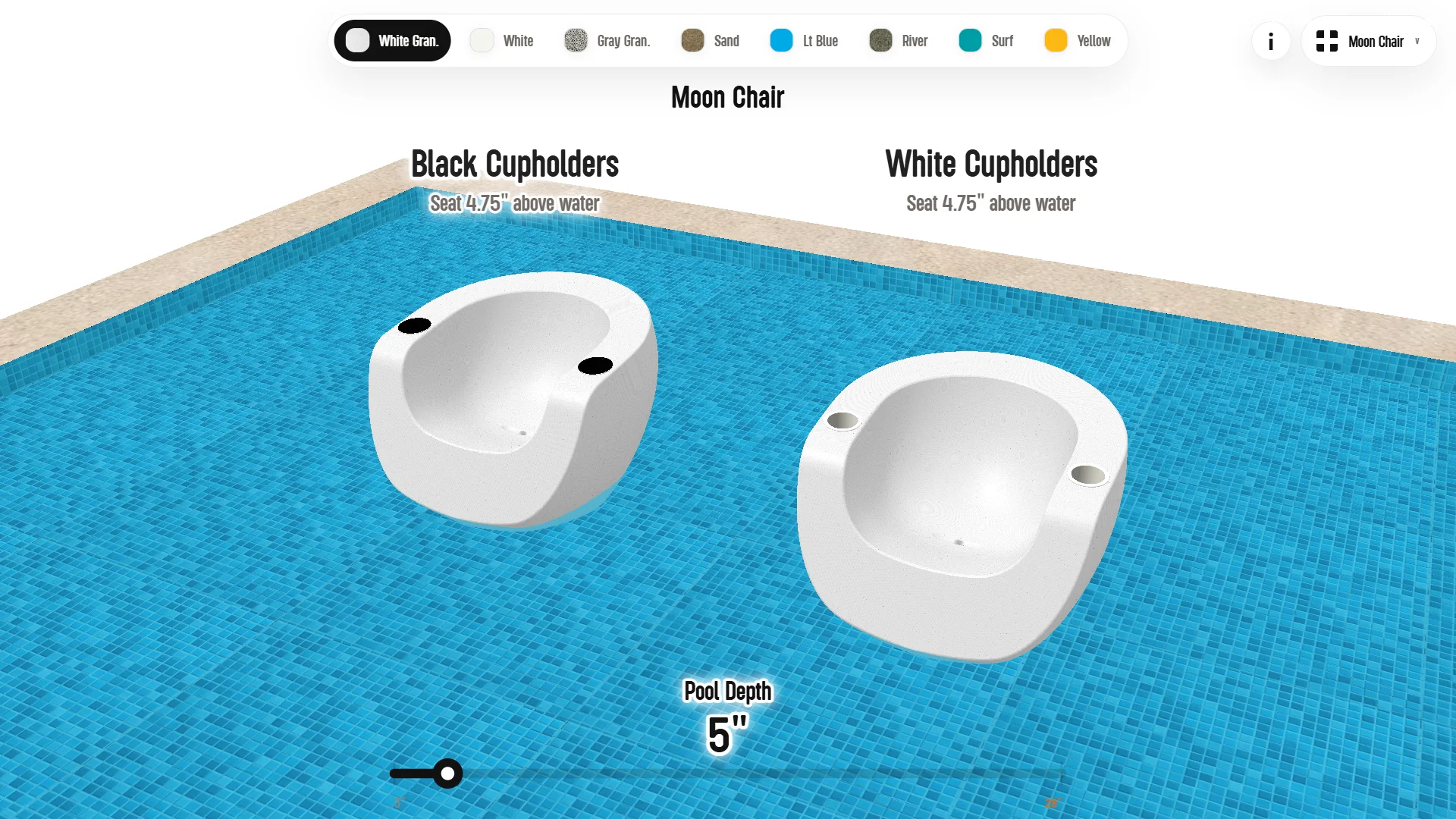
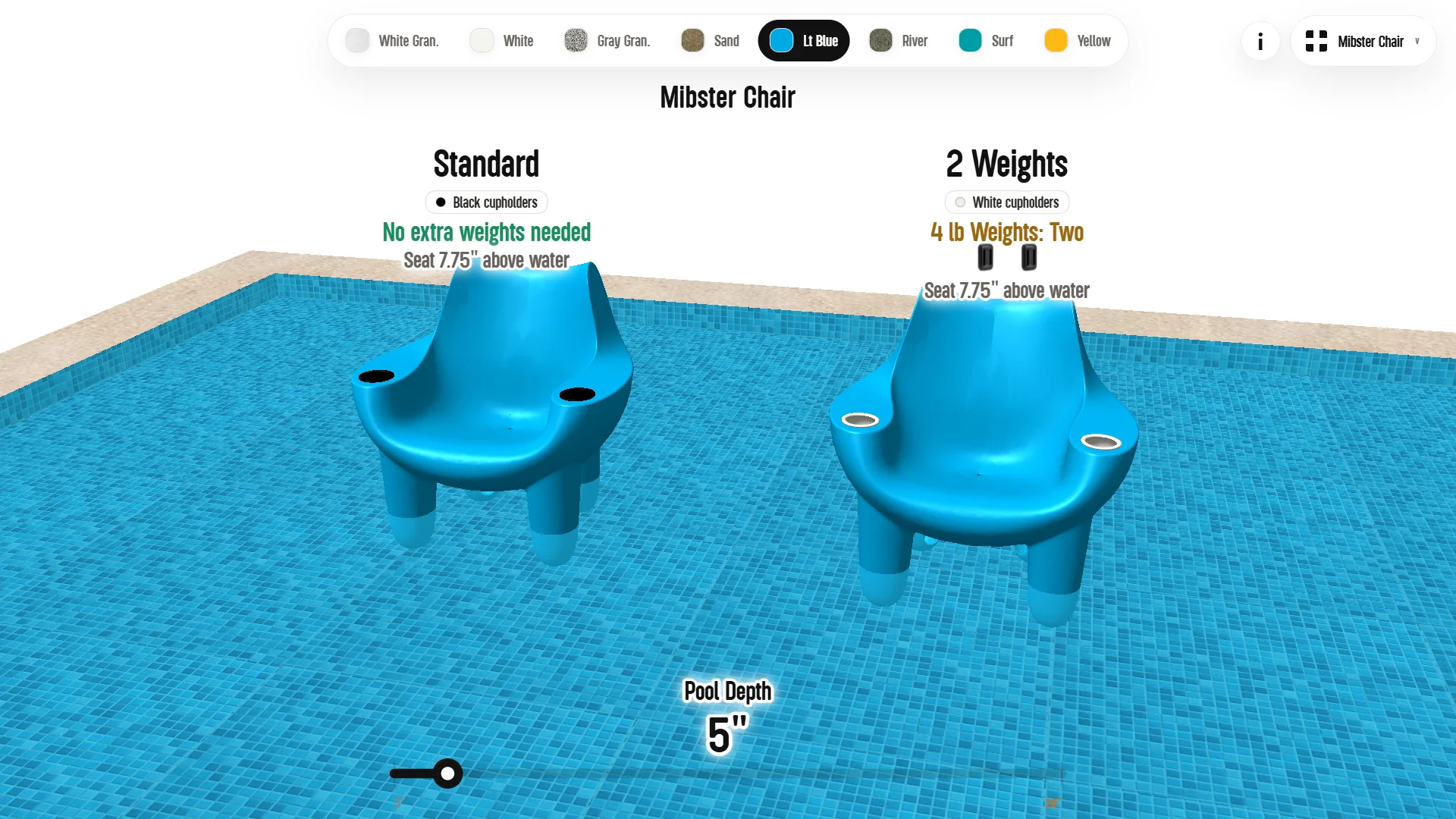
Each product carries its own logic.
Weights, riser options, cupholder variants, and depth guidance differ per product, and the configurator presents them as side-by-side comparisons instead of spec tables. The depth slider stays global, so switching products keeps the context the customer already set.
Converting STL and IGS source files.
The source files for this catalog did not arrive only as STL. Several products came as IGS, a format Blender does not import, so those went through an online IGS to glTF conversion first, and the converted geometry came back with its own problem: broken face orientation.
I recalculated the orientation manually until the surfaces behaved, because every texture and material decision downstream depends on the faces pointing the right way. It is invisible work, and skipping it shows up immediately once a texture is applied.
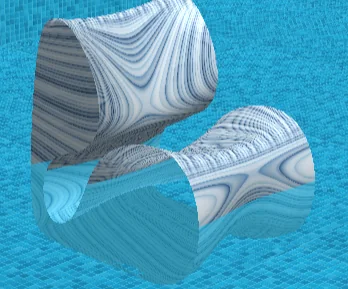
Scripting the Baja texture mapping.
The Baja Club series resisted standard texturing. The models offer no easy structure to map onto, and the usual approaches drifted away from the product reference images.
A custom shader was the first attempt, and it never reached a satisfying result. The solution was a Blender script that applies the texture mapping correctly across the entire Baja series at once, using the reference imagery as its guide.
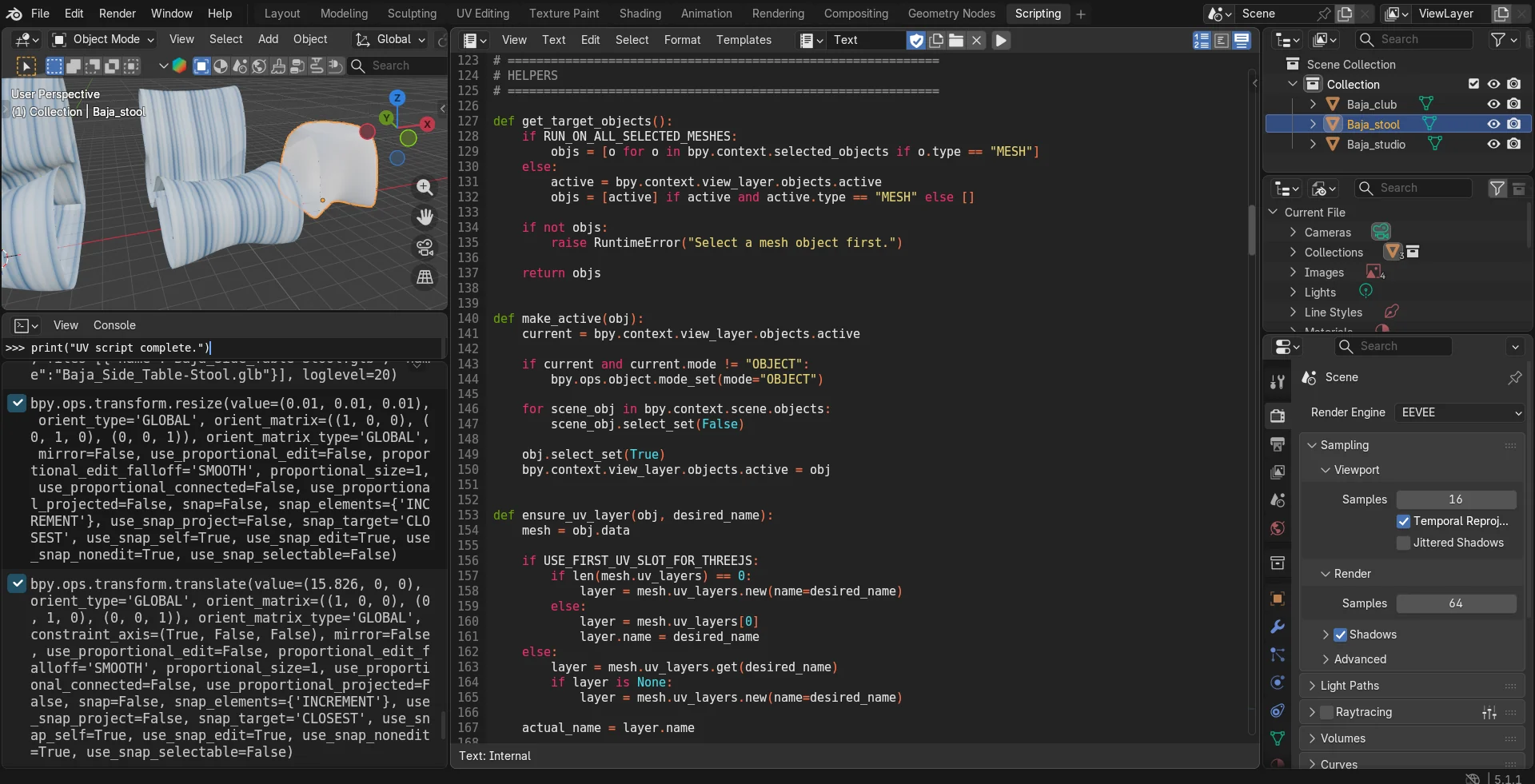
One material shared across the series.
The material itself stays simple: a single Baja swatch texture driven through a UV flow node into the shader, shared by every product in the series. The script guarantees each model presents its UVs the way that material expects.
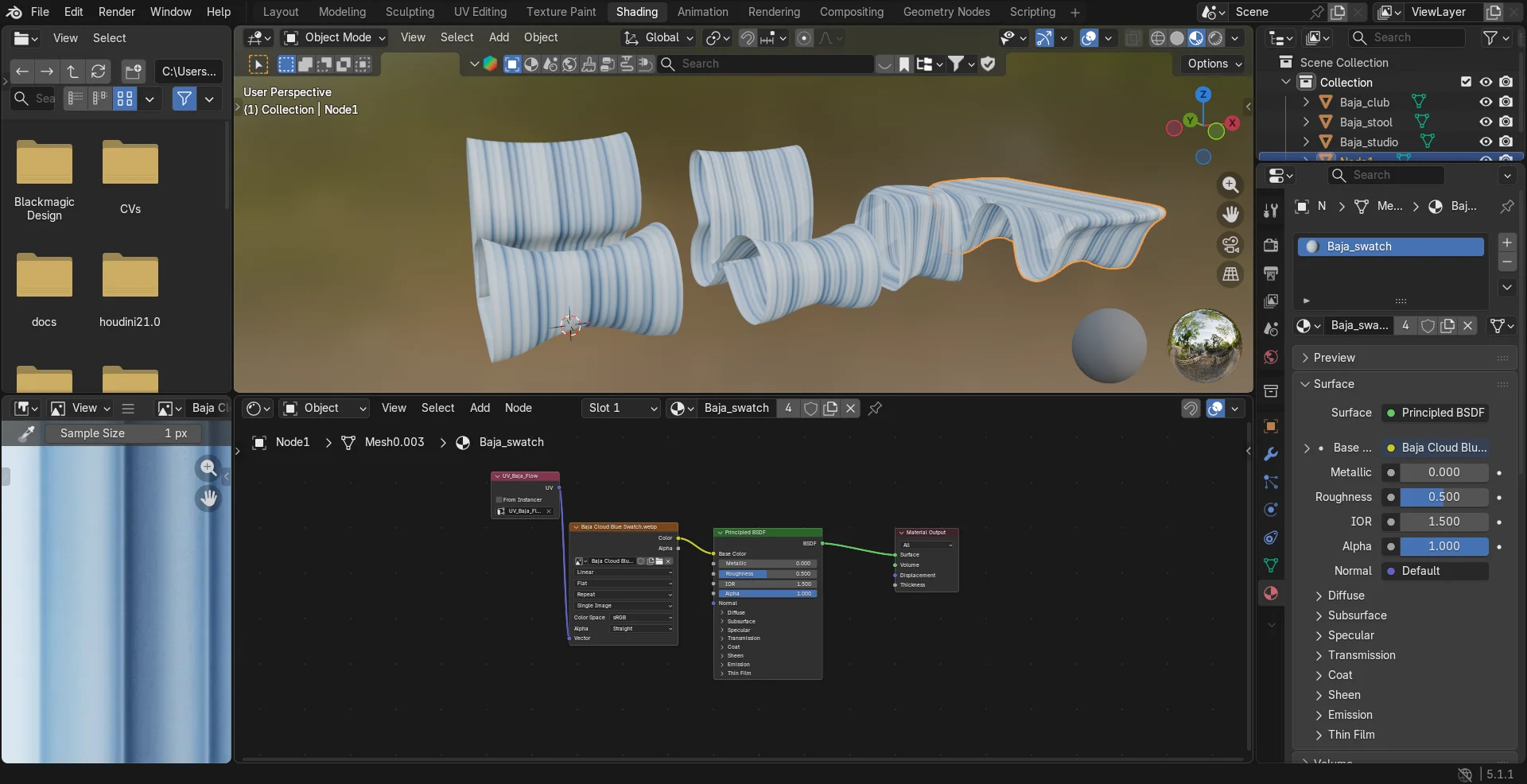
The corrected texture flow.
With orientation recalculated and the scripted UVs in place, the woven stripe pattern flows along the furniture the way it does on the physical product. The before and after of this fix is the clearest single image of what the asset work on this project actually was.
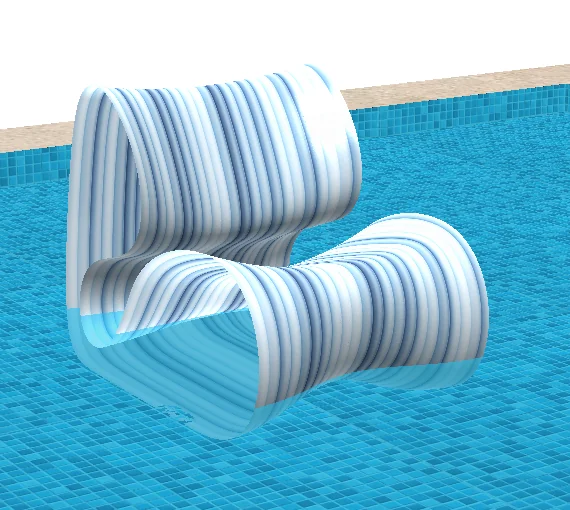
The Baja series in the configurator.
The corrected models render in the browser with their finish options, seat heights, and depth feedback, alongside the rest of the catalog.
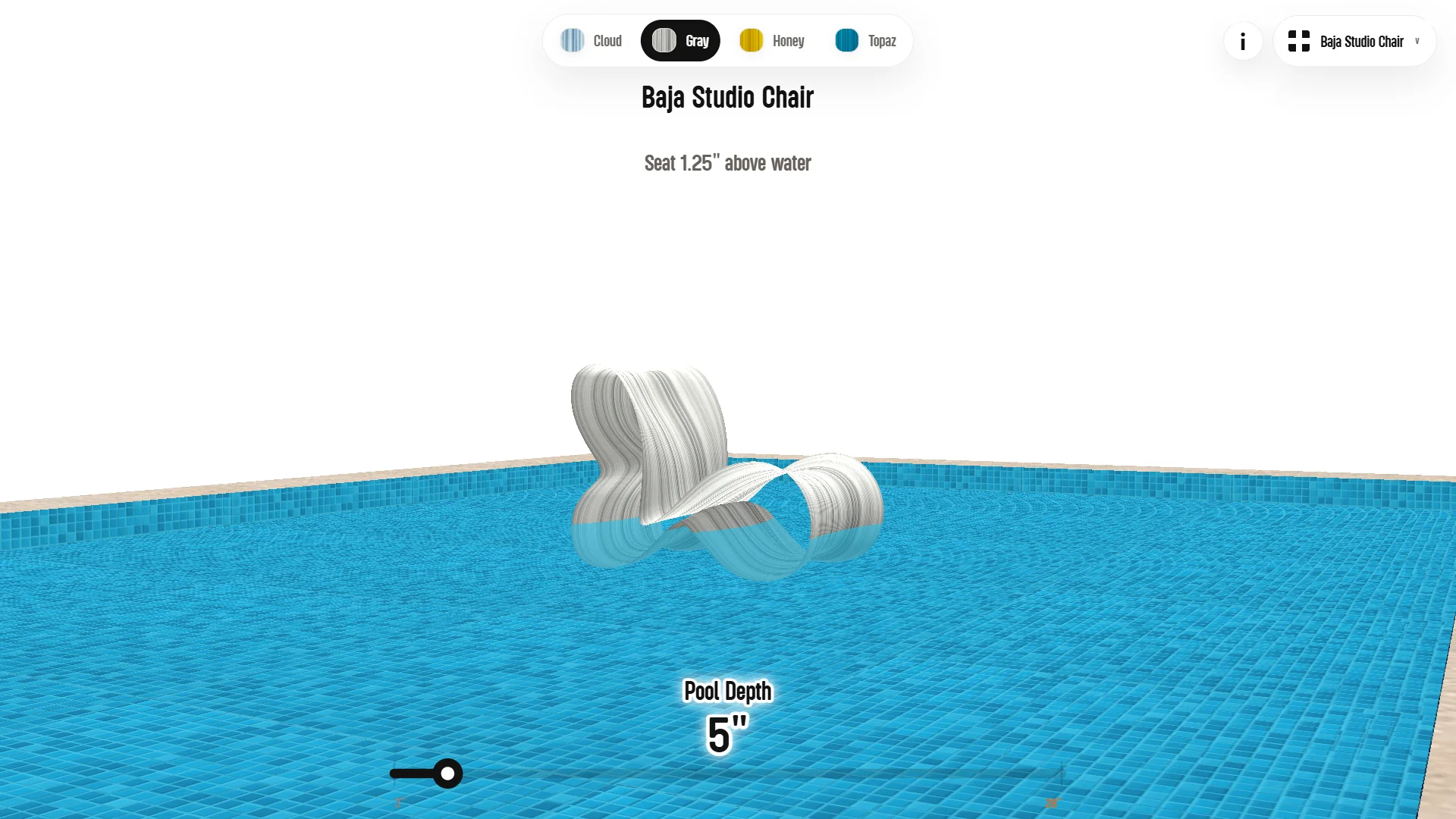
In progress, more models on the way.
Scene behavior, model management, water rendering, UI, and preload logic are split into separate modules, keeping the build manageable as products are added.
Three projects in, the series has grown into a steady working relationship with Tenjam. When the new models arrive, the remaining products enter the catalog.