
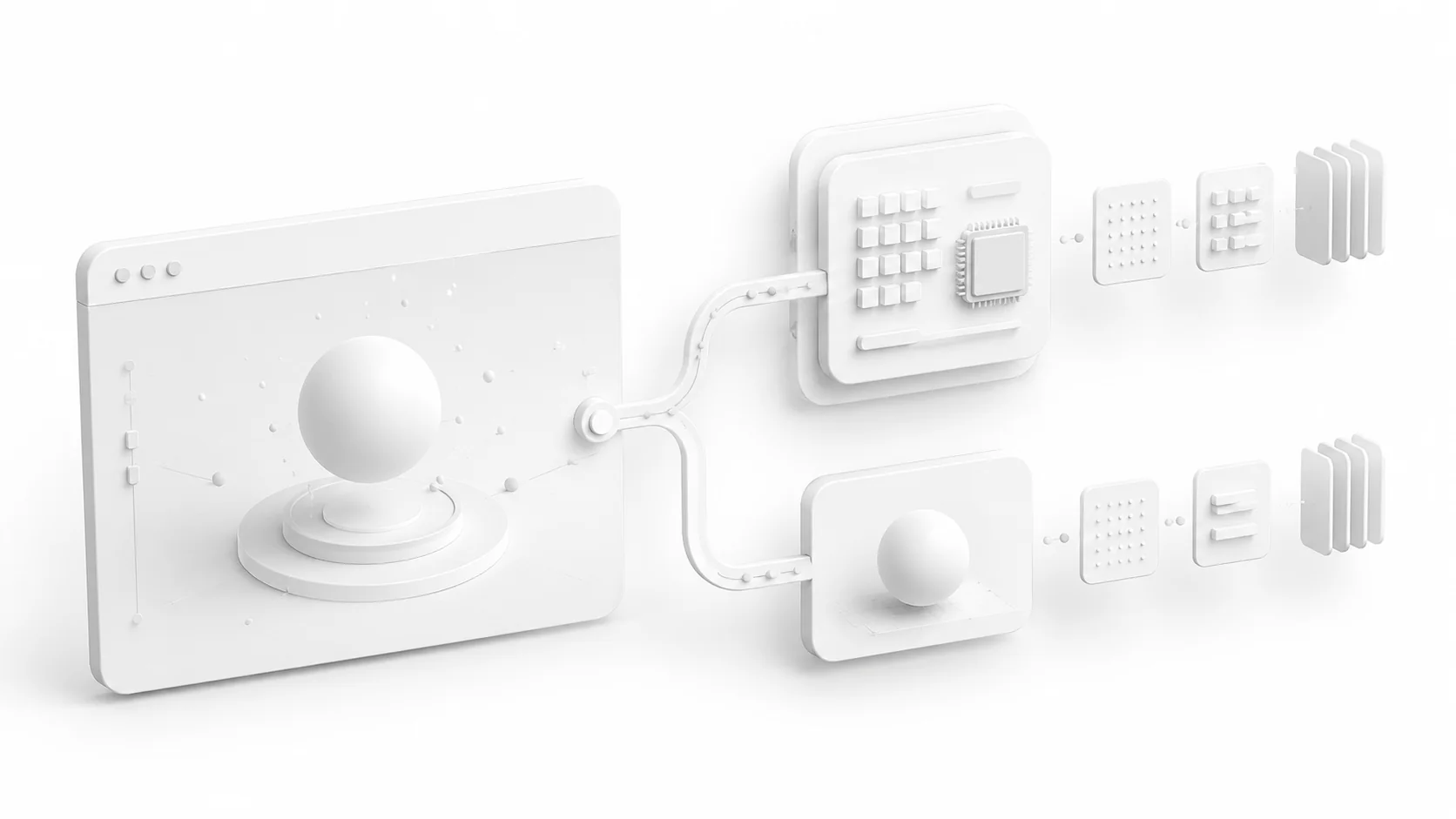
Every few months a client or a developer asks me the same question: should we build this on WebGPU now, or stay on WebGL? It sounds like a technology decision. It is mostly a business decision wearing a technology costume, and the answer I ship in production is not one or the other. It is both, automatically, and the interesting part is why that became the obvious choice.
The question deserves a better answer than the two camps give it. The early adopters say switch everything, the API is the future, which is true and unhelpful. The cautious say wait until support is universal, which sounds prudent and quietly costs you years of headroom. Production has a third option, and three.js made it nearly free.
What WebGPU actually changes
WebGL is a browser wrapper around an API family designed in the early nineties. It has carried real-time 3D on the web for over a decade, and it shows its age in specific ways: chatty driver communication, no real access to modern GPU features, and compute workloads squeezed through rendering tricks that were never meant for them.
WebGPU is what you get when the API is designed this decade. Less overhead between your code and the GPU, a saner resource model, and, the genuinely transformative part, compute shaders. Particle simulations, cloth, fluid behavior, anything that processes large amounts of data per frame stops being a hack built out of textures and becomes a first-class program running where it belongs. When people show demos where WebGPU looks ten times faster, it is almost always compute doing the work.
Here is what WebGPU does not change: your art direction, your asset weight, and your discipline. A bloated scene is slow on every API. An unoptimized model downloads just as slowly over WebGPU as it does over WebGL, which is why asset preparation still decides more about how a site feels than the rendering backend ever will.
The support picture, honestly
As of 2026, WebGPU ships by default in Chrome, Edge, Safari, and Firefox. Apple went all-in with Safari 26 across macOS, iOS, and visionOS. Coverage sits around seventy percent of global browsers and keeps climbing.
Read that number from the other side: roughly one visitor in three or four still arrives without WebGPU. Older Android devices, corporate machines frozen on old browsers, iPhones that have not moved to the latest iOS. For an experiment or a conference demo, that tail does not matter. For a commerce tool it is a quarter of the customers, and no rendering API is worth a quarter of the customers.
The tail also is not who people assume. It includes plenty of expensive corporate laptops running managed browsers two versions behind, and the demographic that approves invoices tends to sit behind exactly that IT policy. Cutting off old devices sounds like cutting off old phones. In client work it can mean cutting off the buyer.
The pattern: WebGPU with a seatbelt
Three.js made this decision easy. Since the WebGPURenderer became production-ready, you import from three/webgpu, and if the browser cannot provide WebGPU, the renderer falls back to a WebGL 2 backend on its own. One codebase, two backends, no drama.
import * as THREE from 'three/webgpu';

const renderer = new THREE.WebGPURenderer({ antialias: true });
// WebGPU where available, WebGL 2 where it is not.
await renderer.init();
All three of the product configurators I built for Tenjam ship exactly this way, starting with the Laylo configurator. Customers on new hardware get the headroom. Customers on a 2021 phone get the same product, the same interactions, the same purchase path. Nobody is asked to care which API drew their pool furniture, which is precisely the point.
The pattern has rules, though, and they are where projects go wrong:
- Test both paths, always. A fallback nobody has opened is a rumor, not a fallback. I keep an old Android in the drawer for exactly this.
- Design features for the floor, not the ceiling. If a compute-driven effect is core to the experience, the WebGL path needs its own honest version, or the effect needs to be optional garnish.
- Write materials in TSL, the three.js shading language, rather than raw GLSL. TSL compiles to both backends, which is what makes single-codebase dual-backend work practical instead of theoretical.
- Watch your feature detection. The decision happens at runtime on the visitor's device, so loading and UI states need to be indifferent to which backend won.
TSL, quietly the biggest change
The shading language shift matters more day to day than the API itself. TSL, the three.js shading language, describes materials as composable JavaScript nodes instead of raw GLSL strings, and the same material compiles to WGSL on the WebGPU path and GLSL on the fallback. Write once, run on both, which is the entire dual-backend strategy made practical.
The learning curve is real but short, and it pays beyond portability: node materials compose, so effects become functions you reuse across projects instead of shader files you copy and mutate. The official WebGPURenderer guide is the right starting point, and porting one existing GLSL material end to end teaches more than any tutorial.
When I would go WebGPU-only
There are legitimate cases. Installations and exhibitions where you control the hardware. Internal tools on a known browser fleet. Experiments and portfolio pieces meant for an audience of developers on current machines. Simulation-heavy work where the compute path is the entire product and a WebGL version would be a lie.
The honest tell is who bears the failure. When I control the hardware, WebGPU-only is efficient. When a customer I will never meet bears it, on a phone I cannot see, the seatbelt is not optional.
And there is the case where I would still ship WebGL alone: a simple product viewer targeting the widest possible audience with zero appetite for testing two paths. WebGL is not deprecated, not slow for typical product scenes, and not going anywhere for years. Boring is a valid engineering strategy.
The performance conversation, without the hype
For a typical product scene, one hero model, decent materials, thoughtful lighting, WebGPU does not make anything visibly faster. Both APIs render it at a locked frame rate on any recent device. What WebGPU buys you there is headroom: more slack before you hit the ceiling, smoother behavior under load, less time spent fighting the API when the scene grows.
The dramatic gains live in specific territory: hundreds of thousands of simulated particles, real-time physics on complex geometry, generative systems that feed the GPU serious math every frame. If your roadmap points there, WebGPU is not optional, it is the enabling technology. If your roadmap is product pages and brand moments, the honest benefit is future-proofing, and future-proofing is worth exactly the price of a fallback: nearly nothing, when the tooling does it for you.
To make the compute point concrete: the particle systems on this site run their simulation through the classic WebGL workaround, encoding positions into textures and updating them with fragment shaders. It works, I have shipped it for years, but it is a contortion. The same simulation as a compute shader is shorter, clearer, and faster, with headroom for behaviors the texture trick cannot afford. That is the class of work where the new API stops being a fallback question and becomes the point.
If you are commissioning this work
For clients, the practical version of this article is three questions to ask whoever builds your site. First: does the project target WebGPU with an automatic WebGL fallback? The right answer in 2026 is yes, and it should not cost extra, because the tooling provides it. Second: has the fallback path actually been tested on real older devices, and which ones? Third: are any features WebGPU-only, and what happens to them for the visitors who do not have it?
Those three answers tell you more about a developer than any showreel. Someone who dismisses fallbacks is optimizing for their portfolio instead of your customers. Someone who dismisses WebGPU entirely is pricing in their own learning curve. The people worth hiring hold both at once, quietly, and talk to you about your product instead of their renderer.
So the answer to the question is boring, and I have learned to trust boring answers. Target the new API, keep the seatbelt on, spend the drama budget on the part users actually see. The rendering backend should be like good typography: doing enormous work, noticed by no one.